The short answer
Yes, when the three tools serve the same clients and projects: an all-in-one workspace puts the client record, team conversations and notes in one place, and AI gets the full context. No, if your team depends on very specialised features of one of them. Accounting and payroll stay alongside either way.
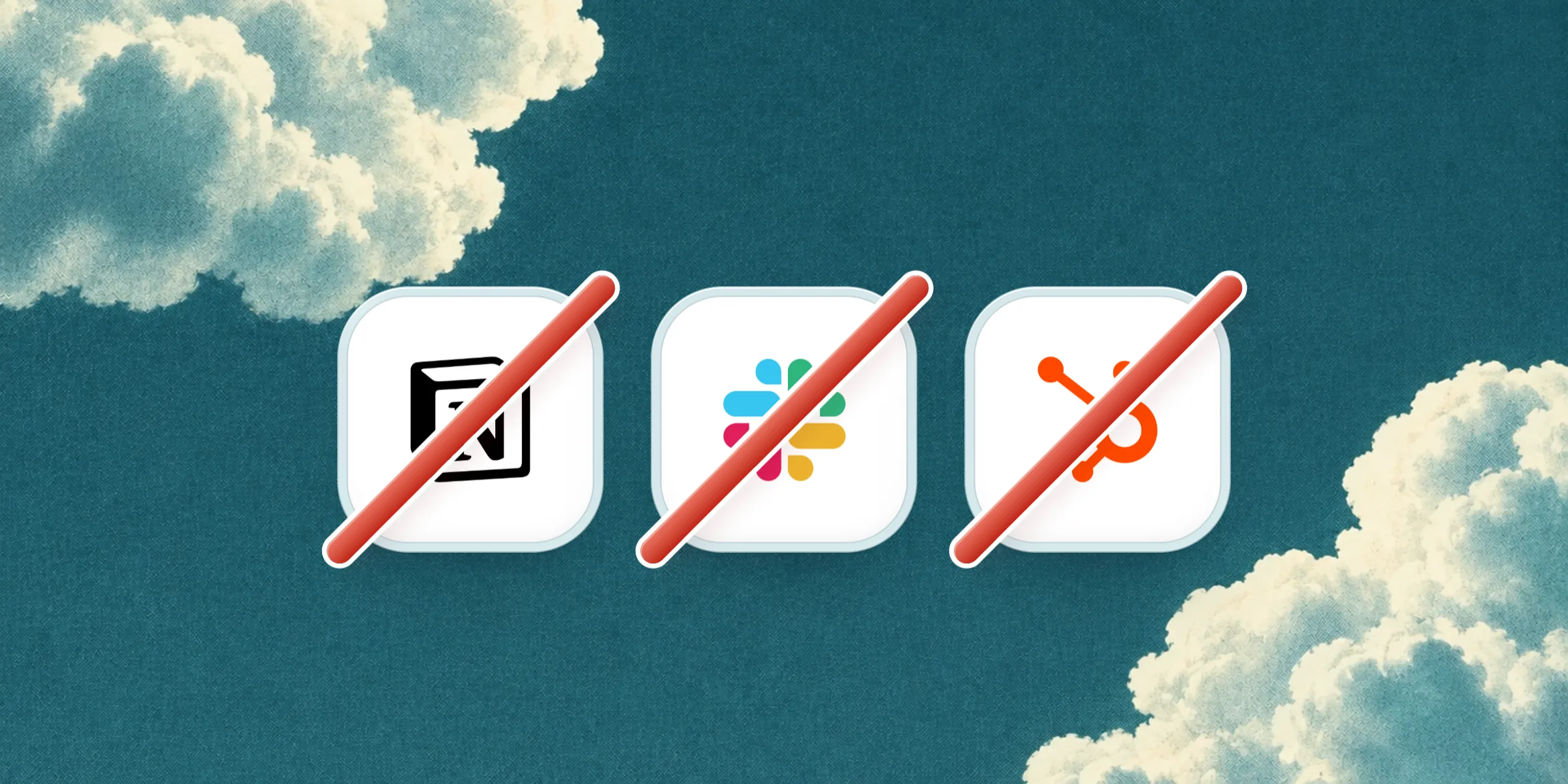
Notion for processes and notes, Slack to talk, HubSpot for clients: the standard kit of a company that grew fast. Each of the three is excellent. The question is not which is best, but what the space between them costs, and whether one tool can remove it without losing what each does well.
Disclosure: we make Atome, an all-in-one workspace. This article also says when all-in-one is the wrong choice.
How many tools does a small company use?
More than you would think. Najar’s 2025 SaaS usage barometer, covering over 180 European companies, counts an average of 182 tools in companies under 100 employees, about 1.8 per employee, against 0.5 in large ones (Le Monde Informatique). The sample leans towards tech companies, but the order of magnitude speaks.
Meanwhile, CRM is still rare in small firms: in 2025, 25% of EU companies with 10 to 49 employees used one, against 65% of large ones (Eurostat).
What tool sprawl costs
Time lost switching
A 2022 study in Harvard Business Review, of 137 people in three large companies, counted nearly 1,200 switches between applications per person per day, and just under 4 hours a week spent reorienting, about 9% of working time (HBR).
Time lost searching
Atlassian’s State of Teams 2025, a survey of 12,000 knowledge workers, puts the time spent looking for information at a quarter of the week (UNLEASH). With three tools, “where did we discuss that?” has three possible answers.
Information lost between tools
- a decision made in a Slack thread never reaches the client record;
- the meeting notes live in Notion, the deal in HubSpot;
- a new hire learns three tools and guesses which one is right.
Subscriptions
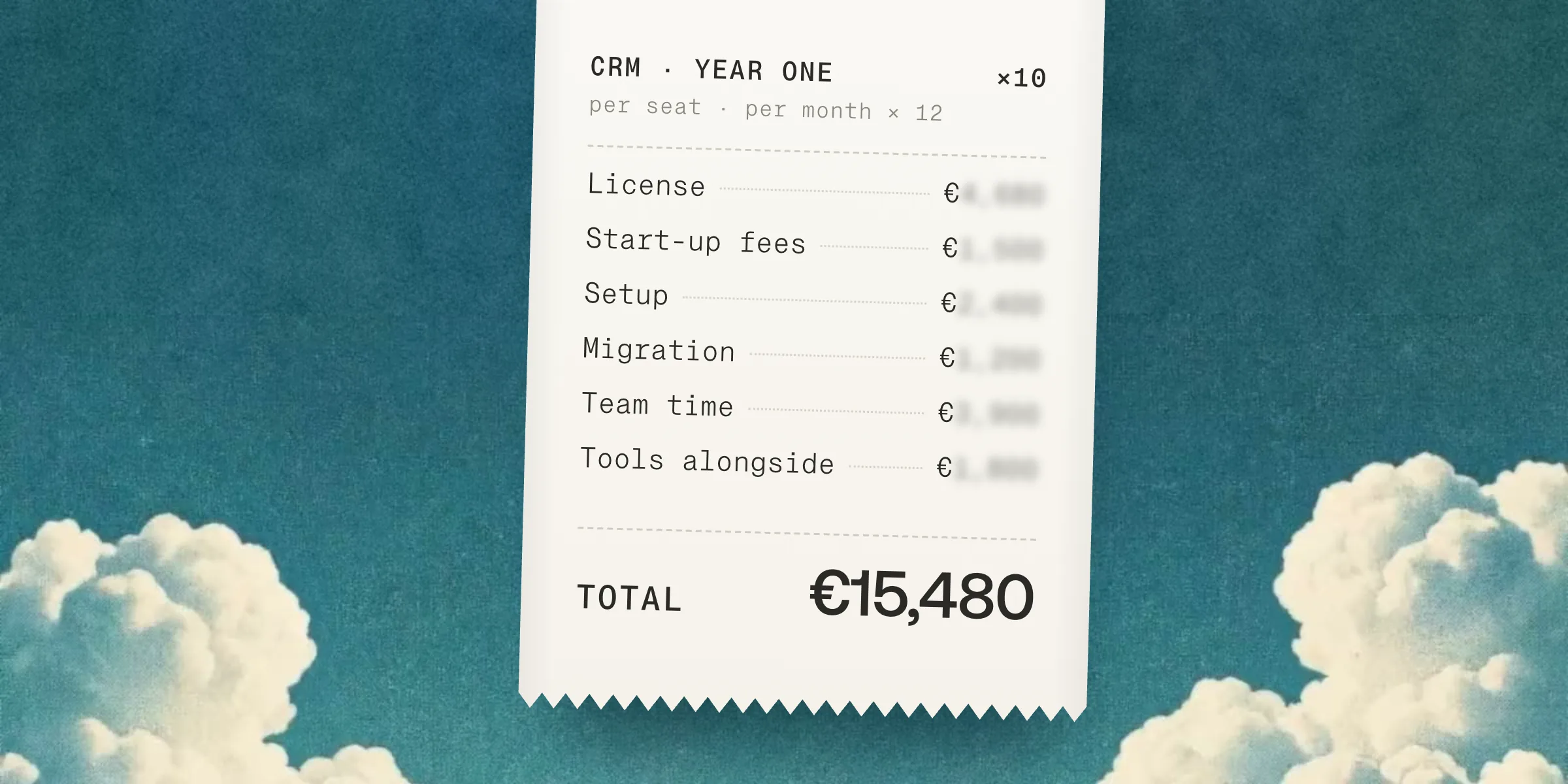
List them for your team: each tool’s price per user × people × 12, plus the tools that crept in around them: booking, meeting notetaker, forms, automation. That is the honest baseline for comparing with one tool.
What each of the three does well
| Tool | What it does very well | What it does not do |
|---|---|---|
| Notion | Flexible pages and databases, pleasant documentation | No email, no client history, no follow-ups |
| Slack | Fast chat, thousands of integrations | A conversation is attached to no client or project |
| HubSpot | A full CRM with a marketing suite | Internal conversations and notes live elsewhere |
Each is best on its own ground, and none knows what the other two contain.
What an all-in-one tool really replaces
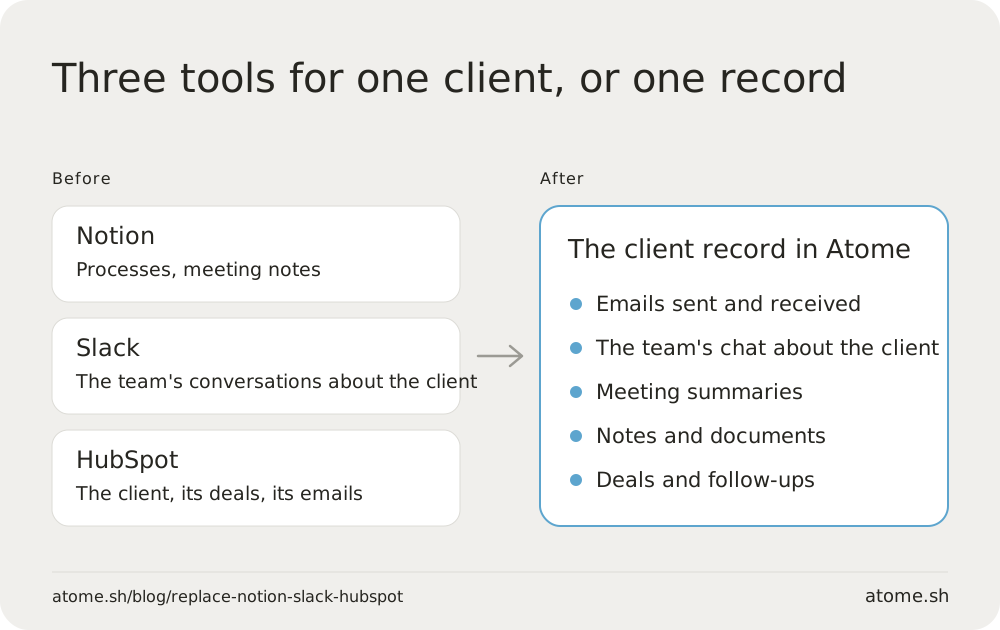
It replaces the tools that serve the same clients and the same projects.
| Job | Usual tool | In an all-in-one tool such as Atome |
|---|---|---|
| Track clients and deals | HubSpot, Pipedrive, a spreadsheet | Client records and pipelines |
| Talk as a team | Slack, Teams, WhatsApp | A chat on every record, plus channels |
| Write processes and notes | Notion, Google Docs | Collaborative notes and documents |
| Share email | Gmail, Outlook | Shared inbox, linked to records |
| Book meetings | Calendly | Calendar and booking links |
| Keep track of meetings | A separate notetaker | Recording and summary on the record |
Why AI changes the question
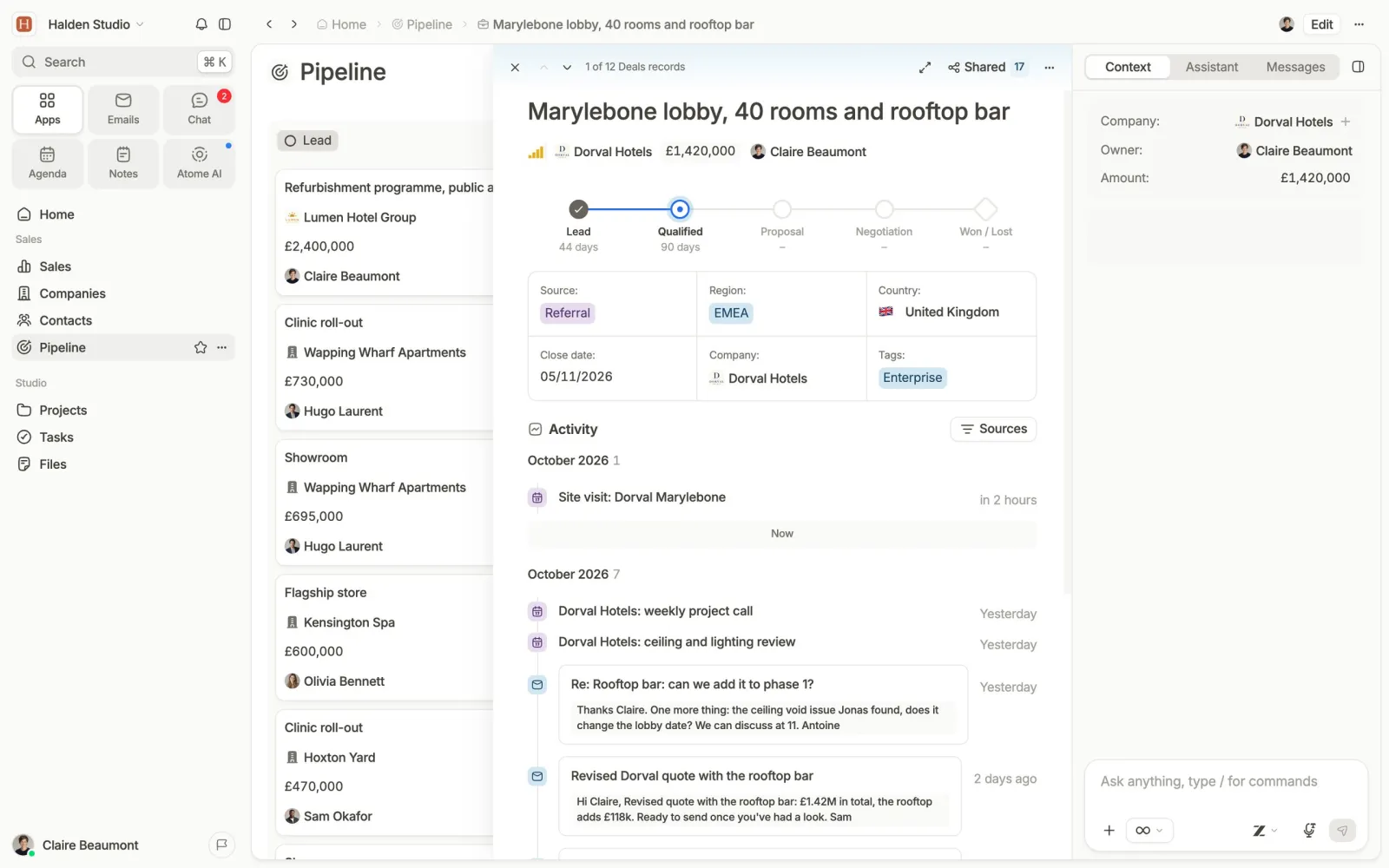
An AI assistant answers only from what it sees. If a client’s context is split between Notion, Slack and HubSpot, each tool’s AI sees a third of it. “Where is the Dupont deal and what did we promise at the last meeting?” needs all three. Bringing the data together gives the AI the full context: a follow-up that accounts for the last meeting, a brief before a call, a record updated after a conversation.
When all-in-one is the wrong choice
- Your team lives on one very specialised feature: a full marketing suite, a knowledge base of thousands of pages, a chat open to hundreds of outside guests.
- The tools do not serve the same people: if marketing and sales share neither clients nor projects, joining them brings little.
- You have no time for the switch: it takes a few weeks of attention.
- Vendor lock-in worries you: check you can export everything, history included, before choosing.
How to move Notion, Slack and your CRM without losing anything
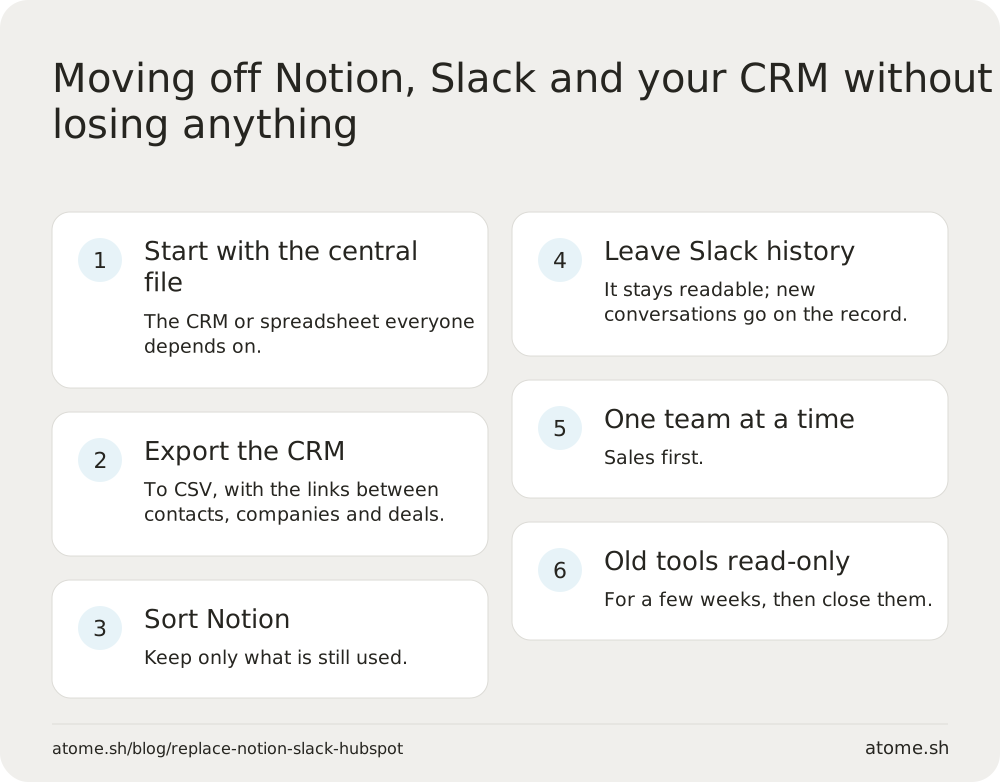
- Start with the central file: the CRM or spreadsheet everyone depends on moves first.
- Export the CRM to CSV, keeping the links between contacts, companies and deals.
- Sort Notion: export pages and databases to Markdown and CSV, and keep only what is still used.
- Leave Slack history where it is: it stays readable. What matters is the conversations to come, on the right client.
- One team at a time, starting with sales.
- Keep the old tools open read-only for a few weeks, then close them.
At Atome, the implementation team migrates from Pipedrive, HubSpot, Airtable, Odoo or a spreadsheet and trains each role.
Atome is the all-in-one AI CRM for companies of 5 to 50 people: clients, email, calendar, meetings and documents in one place, with data and AI hosted in the European Union, at €49 per member per month billed yearly. To choose the tool itself, read How to choose a CRM for a small company in 2027; for the budget, How much does a CRM cost?.
Sources
Le Monde Informatique, Najar barometer 2025 · Eurostat, ERP and CRM use in 2025 · Harvard Business Review, 2022 · UNLEASH on Atlassian’s State of Teams 2025 · Salesforce Ben on Slack’s CRM. Accessed November 1, 2026.