The short answer
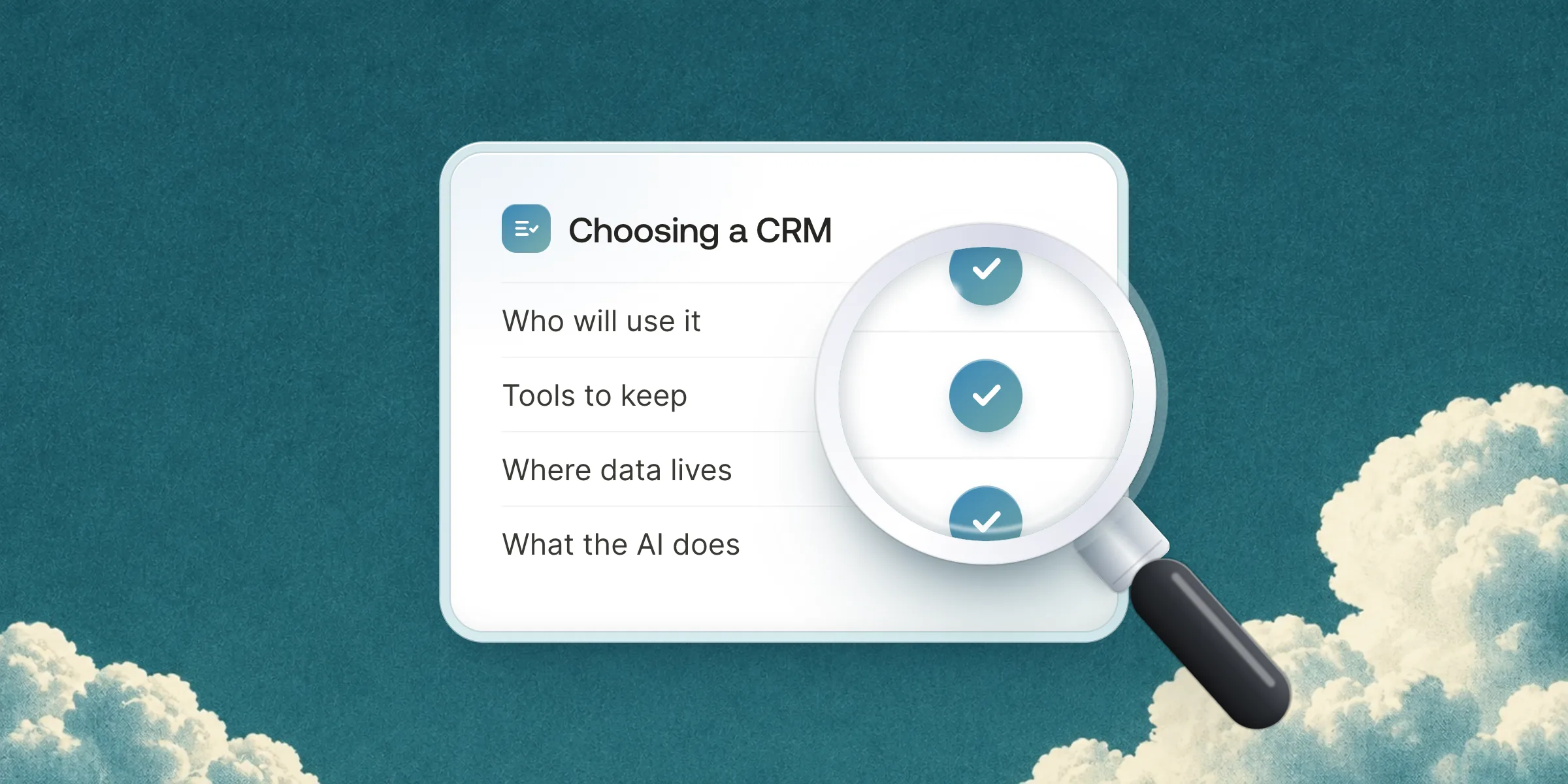
The right CRM for a small company is the one the whole team opens every day, not the one with the most features. Decide in this order. First who will use it, then how many tools you want to keep. Then where your data must live, and what the AI should do. Price and migration come after.
Choosing a CRM looks like a feature comparison. It is really a choice about how your team will work. A CRM that salespeople fill in reluctantly on Friday evening is worth no more than a spreadsheet. A CRM that fills itself from emails and meetings changes how clients are followed.
This guide is the method we use with the companies we set up: seven questions, in the order they matter.
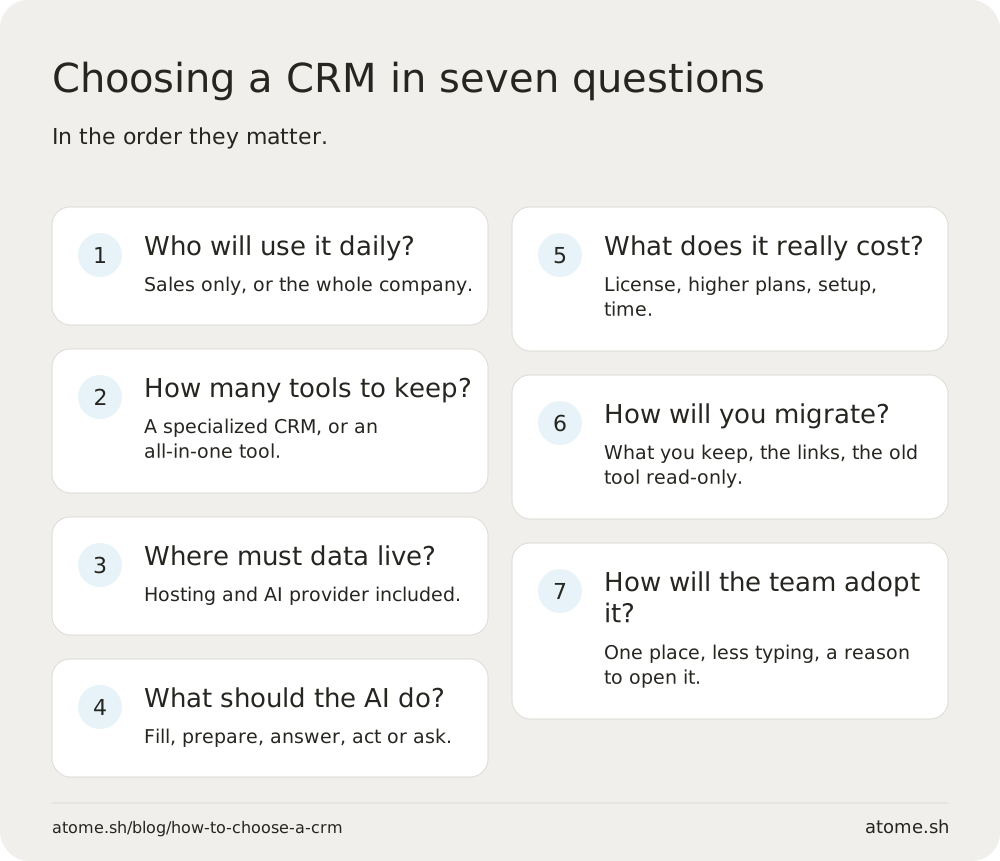
1. Who will use the CRM every day?
This question rules out the most tools. A CRM built for a sales team of five does not need what a CRM used by support, project managers and leadership needs.
- Sales only: a pipeline-centered tool is often enough.
- The whole company: everyone must find their own work in it, not just open deals. Projects, the client conversation after the sale and documents have to live in the same place.
List the roles and, for each one, what they will open in the morning. If the answer is “another tool”, the CRM will stay half empty.
2. How many tools do you want to keep?
A company of 20 often pays for a CRM, a team chat, a notes tool, a booking tool and a meeting notetaker. Each is good. Together they scatter what you know about one client across five places.
| Approach | What you gain | What you accept |
|---|---|---|
| A specialised CRM plus your other tools | The best tool for each job | Integrations to maintain, information in two places |
| An all-in-one workspace | Everything on the same client record, one subscription | Fewer niche features in each area |
We went through this choice in Can one tool replace Notion, Slack and HubSpot?.
3. Where must your data live?
For many European companies the answer is “in Europe”, by contract or by principle. The vendor’s country does not guarantee it: read its sub-processors page, AI included.
4. What should the AI do?
In 2027 almost every CRM announces AI. The differences are in the details:
- Filling the CRM: the AI files emails and meetings on the right record and updates fields after a call.
- Preparing the work: a follow-up draft, a meeting summary, a brief before a call.
- Answering questions: “where is the Dupont deal?”, from everything the team knows.
- Acting or asking: a good tool lets you choose, per action, whether the AI suggests, asks for approval or acts.
Ask each vendor two questions: what data does the AI work on, and where does it run?
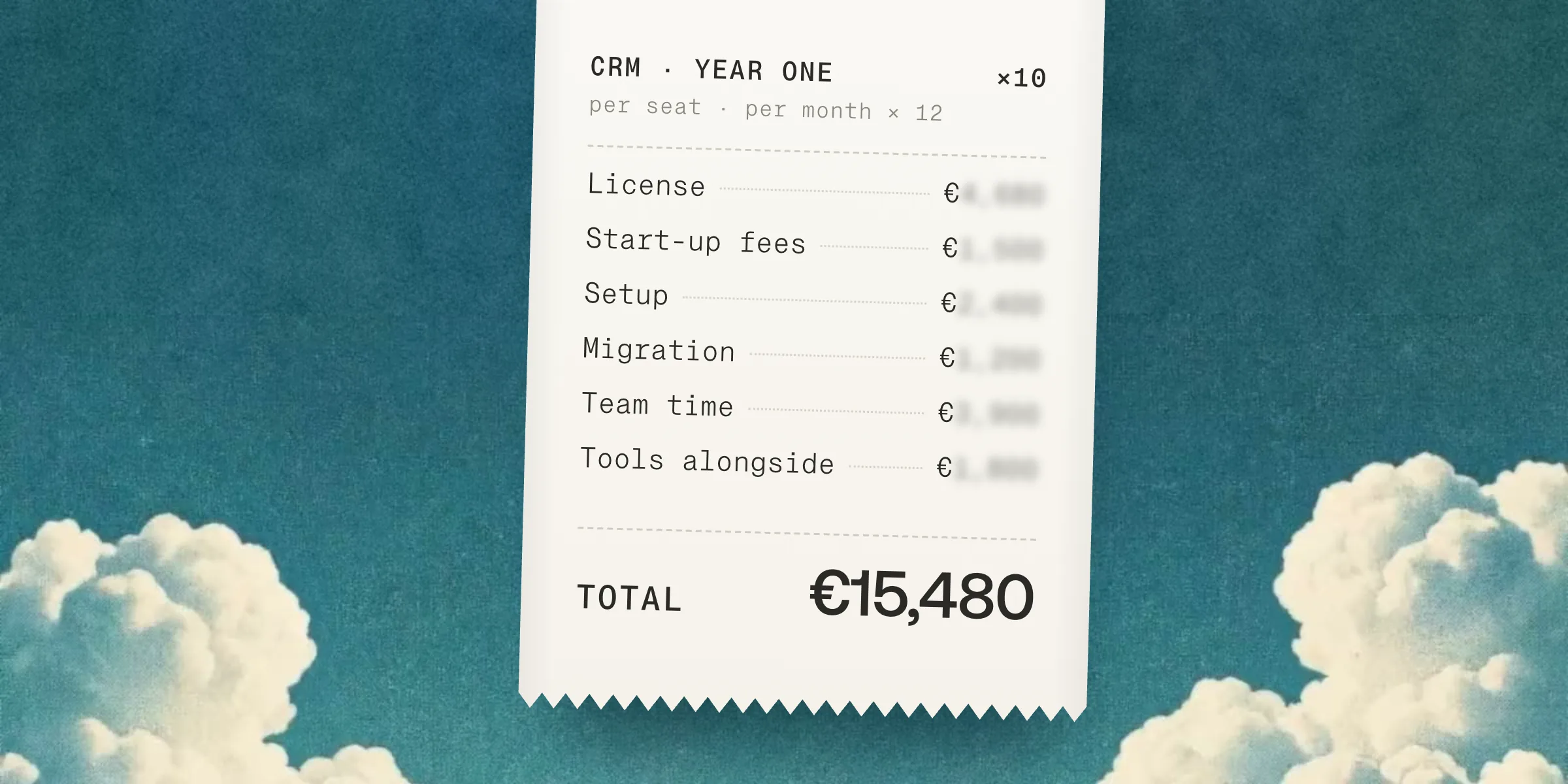
5. What does it really cost?
The price per seat is only part of the cost. Count also:
- the higher plans or add-ons needed for automations;
- setup fees, sometimes mandatory;
- the tools the CRM does not replace, which you keep paying for;
- the team’s time spent typing data in by hand.
The last one is often the heaviest, and it is the one AI brings down.
6. How will you migrate?
From a spreadsheet, migration is simple. From another CRM, three points decide success:
- What you keep: not every field deserves to move.
- The links: a contact must stay attached to its company, a deal to its emails.
- The old tool: keep it open, read-only, for a few weeks.
For teams leaving HubSpot, we compared the best HubSpot alternatives for a small company.
7. How will the team adopt it?
A successful CRM is one people open without thinking. Three habits help:
- One place: if the information is also somewhere else, nobody fills the CRM.
- Less typing: every field filled automatically is a field that will be right.
- A reason to open it: the dashboard for Monday’s meeting, today’s follow-up list.
The mistakes that cost the most
- Choosing on a feature demo rather than on a typical day of your team.
- Configuring everything before starting: start simple, add as you go.
- Forgetting the people who do not sell: support and project managers talk to clients too.
- Underestimating migration: lost history does not come back.
Which tool for which profile?
| Your situation | What fits best |
|---|---|
| A sales team of under ten, centered on the pipeline | A simple sales CRM such as Pipedrive |
| A company of 5 to 50 that wants clients, email, conversations, meetings and documents together | An all-in-one workspace such as Atome |
| A small, relationship-driven team | A light contact tool such as folk |
| A fast-growing organization with a dedicated CRM team | A highly customizable platform such as Salesforce |
Atome is the all-in-one AI CRM for companies of 5 to 50 people: clients, email, calendar, meetings and documents in one place, with data and AI hosted in the European Union, at €49 per member per month billed yearly.