




Chat about each client
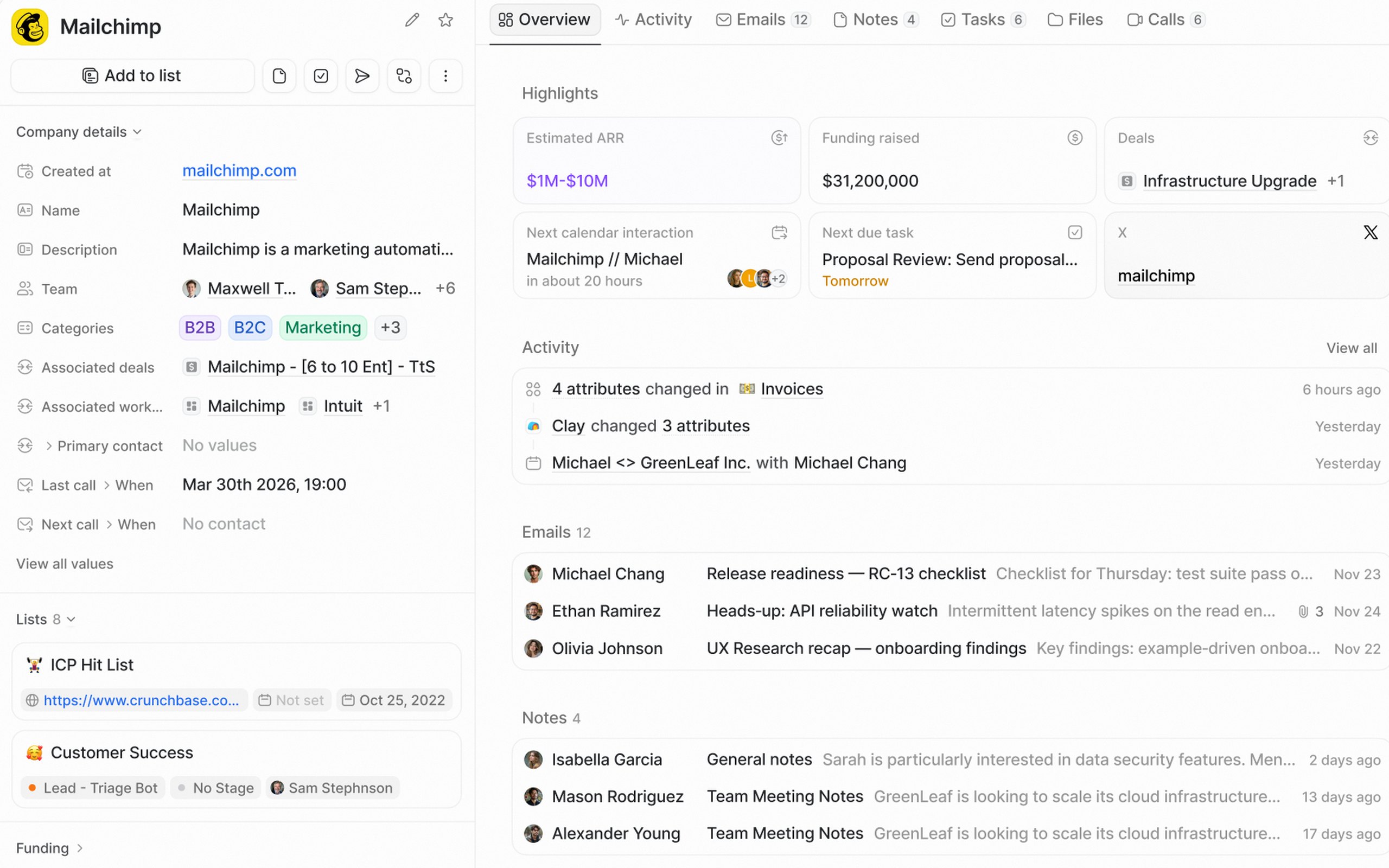
Each client and each deal has its own chat thread for the team. In Attio, the team comments on records and talks in Slack.
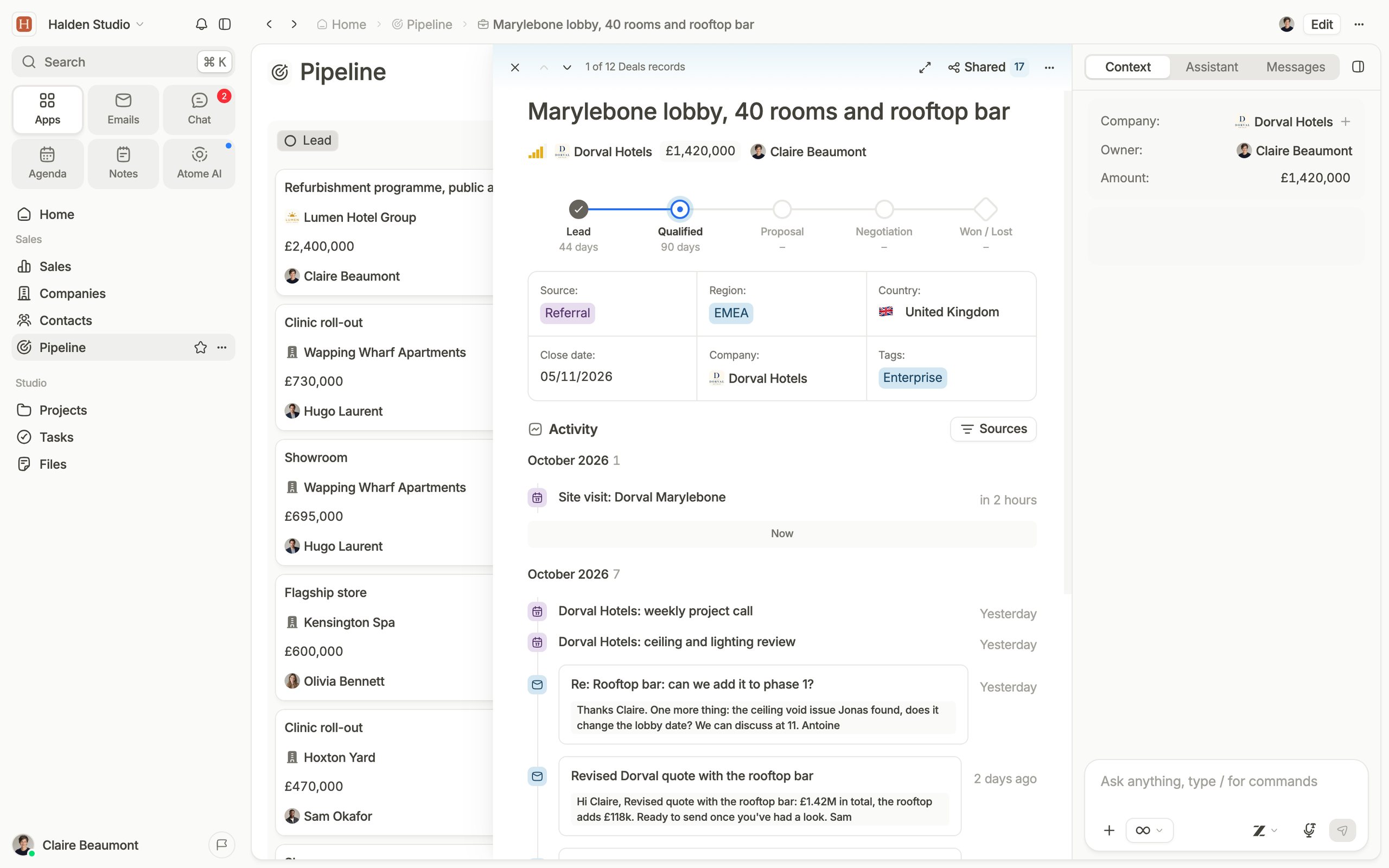
Your companies, people and deals move into Atome, with the team chat, the documents and the guests around each client. The Atome team plans the move with you.
Why teams leave Attio
Each client and each deal has its own chat thread for the team. In Attio, the team comments on records and talks in Slack.
Invite a client or a partner as a guest who sees only the records and pages you share. Attio's workspaces have admins and members.
Atome is hosted in the EU, by UpCloud and Aiven, two Finnish companies. Attio is a London company hosted on Google Cloud.
More than a CRM
Email: Gmail and Outlook, shared inbox, campaigns
Every email is saved on the client and the deal it belongs to, for the whole team.
Calendar: Google and Microsoft sync, team calendars, scheduling
Clients pick a time from your scheduling link, and the meeting is saved on their record and their deal.
AI notetaker: transcript, summary, next actions
Atome records the call with a client, saves the summary on their record and lists the next steps.
Docs: notes, proposals, meeting briefs
Every note and proposal is saved on its client's record, for the whole team.
Enrichment: company and contact details filled in
Add a company's website, and Atome fills in its industry, size, location and LinkedIn.
AI brain: full context on all your data
Ask which clients have not replied in two weeks. The AI answers from your emails, meetings and files.
Each client and each deal has its own chat thread for the team.
A deal moves to the next stage, and Atome sends the email and creates the tasks.
A form on your website creates the contact and the deal, and gives the deal an owner.
Set the stages, fields and views of each pipeline: client deals, hiring or partners.
Comparison
What each one includes, as each company publishes it. Checked October 2026.
What it is
All-in-one CRM and workspace
CRM
Set up by
Who does the first configuration
The Atome team, with you
Your team
Where data is hosted
European Union
Sovereign, by European companies
Google Cloud
Region not published
Your own tables
Orders, projects, suppliers, linked to clients
Custom objects on Pro
Forms
Through Fillout or Typeform
Conditional visibility
A field or a button shown when a rule matches
Automations
Each step costs a credit
Guests from outside the company
Clients and partners
Records and pages you share
Admins and members only
Who sees which record
Access set record by record
Rules by record, fields restricted
By object and list, Pro and up
Email on each record
Gmail and Outlook, both directions
Gmail and Microsoft 365
Shared inbox
A team's emails, worked together
Not for Microsoft 365 shared mailboxes
Calendar
Google and Microsoft, both directions
Meeting recording
Transcript and summary
No bot in the call
A bot in the call, Pro and up
Team chat
Comments, and the Slack app
AI
Reads records, emails, meetings and files
On credits
Email campaigns
Through Mailchimp
Booking links
Clients pick a time in your calendar
Through Cal.com
Enrichment
Company and contact details filled in
From websites and email signatures
PDF documents from records
Quotes, proposals, reports
Through DocuPotion
E-signature
Through DocuPotion
Dashboards
Charts, numbers and pivot tables on live records
10 chart types, numbers, pivot tables
Bar, line and pie
Starting price
Per user, per month, billed yearly
€49
Excluding VAT
€31
€74 for custom objects
Sources: attio.com, attio.com/help, Atome
Which one fits
Attio suits teams that want a modern CRM they set up themselves. Atome suits teams that want the chat, the documents and the guests around each client, set up with our team.
Fits better if
Fits better if
How the switch works
Our team plans the move with you, imports your data and trains your teams. Attio keeps running until your team works in Atome.
We go through your objects and lists with you and choose what moves and what merges.
Companies, people, deals and notes are imported and checked with you.
Short sessions, by team, on the work they do every day.
When your team works in Atome, you export a last copy and cancel the plan.
What moves over
Companies, people, deals, custom objects and their notes move into Atome as they are. Our team rebuilds your workflows and reports with you.
Companies
Companies
Moves as it is
People
Contacts
Moves as it is
Deals
Deal boards
Moves as it is
Custom objects
Your own tables
Moves as it is
Lists
Views
Moves as it is
Notes and tasks
Notes and tasks on each record
Moves as it is
Workflows
Automations
Rebuilt with our team
Reports and dashboards
Dashboards
Rebuilt with our team
FAQs
Our team has migrated teams from Pipedrive, HubSpot, Airtable, Odoo and spreadsheets, with tools we built for switching from an old CRM. For Attio, we look at your workspace with you before anything moves.
Your emails come from your mailbox. When you connect Gmail or Outlook, you choose how much past email Atome brings in, and each thread is linked to its contacts and companies.
Yes. You can start with one team, keep Attio for the rest, and switch it off when your team has moved.
It depends on your objects and your data, so we do not publish a duration. Tell us on the demo how your Attio is set up.
Our implementation team, with you: planning the switch, migrating your data and training your teams.
In the European Union. Servers and file storage are provided by UpCloud, and the database by Aiven in Germany. Atome AI runs on Mistral AI in France, and on European servers through Cortecs in Austria. The sub-processors page lists every provider.
€49 per member per month, excluding VAT, billed yearly, or €59 billed monthly. Each member gets a monthly AI allowance.
For any other question, book a demo.
A call with our team, your setup on screen, and a plan for the move.